自定义和压缩字体
自定义字体
@font-face {
  font-family: "self-font";
  src: url("fonts/xxx.ttf") format("truetype");
}

.word {
  font-family: "self-font";
  font-size: 50px;
}
不同格式的字体文件 format() 不一样
src: url("YourWebFontName.eot?") format("eot");
src: url("YourWebFontName.woff") format("woff");
src: url("YourWebFontName.ttf") format("truetype");
src: url("YourWebFontName.svg") format("svg");
字体压缩工具字蛛
安装字蛛
# 安装命令
npm install font-spider -g
添加文件和字体
<!-- index.html -->
<html>
  <head>
    <meta http-equiv="Content-Type" content="text/html; charset=UTF-8" />
    <title>字体压缩demo</title>
    <style>
      /* 自定义字体 */
      @font-face {
        font-family: "self-font";
        src: url("./font/字体管家胖丫儿体.ttf") format("truetype");
      }
      /* 使用自定义字体 */
      .words {
        font-family: "self-font";
        font-size: 50px;
      }
    </style>
  </head>
  <body>
    <!-- 添加需要保留的字 -->
    <div class="words">0123456789 一二三四五六七八九十</div>
  </body>
</html>
压缩字体
# 压缩命令
font-spider ./index.html
目录结构
.
├── [ 128]  font
│   ├── [  96]  .font-spider
│   │   └── [4.8M]  font.ttf   // 字蛛压缩后保存的原字体
│   └── [8.2K]  font.ttf       // 字蛛压缩后的新字体
└── [ 547]  index.html
字体预览
ttf 字体解析预览:http://blog.luckly-mjw.cn/tool-show/iconfont-preview/index.html
使用上面的网址可以看到压缩后的字体有: 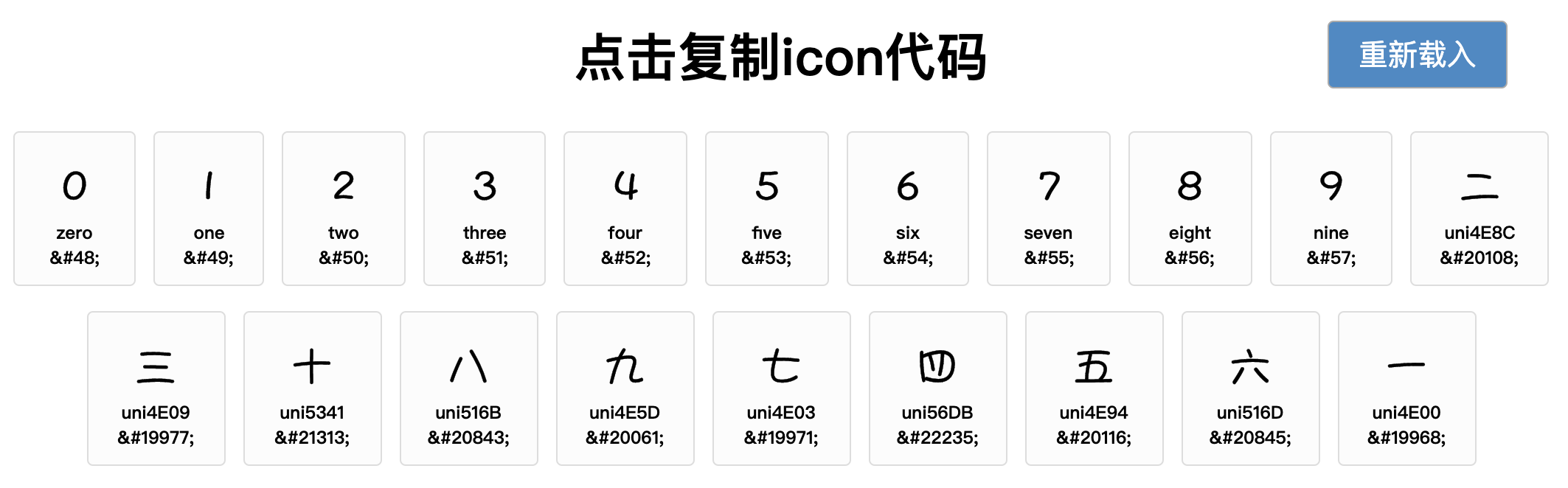
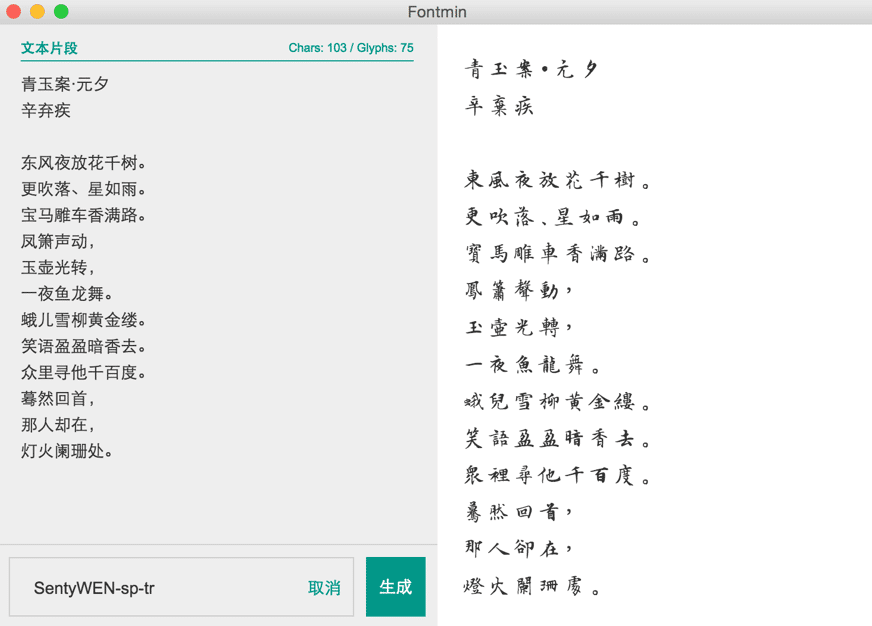
更便捷的字体压缩工具 fontmin
https://github.com/ecomfe/fontmin-app
http://ecomfe.github.io/fontmin/